









Storage Activity Indicator
Real-Time Storage Activity Monitoring for Windows — Steam Edition
Monitor real-time Read/Write activities of all your storage drives with an ultra-lightweight tool. Perfect for remote desktop environments where physical HDD LEDs are not visible. Fun animated characters bring your drive activity to life on the taskbar.

.NET Framework 4.8+
Key Features
Everything you need to monitor storage activity
Real-Time Monitoring
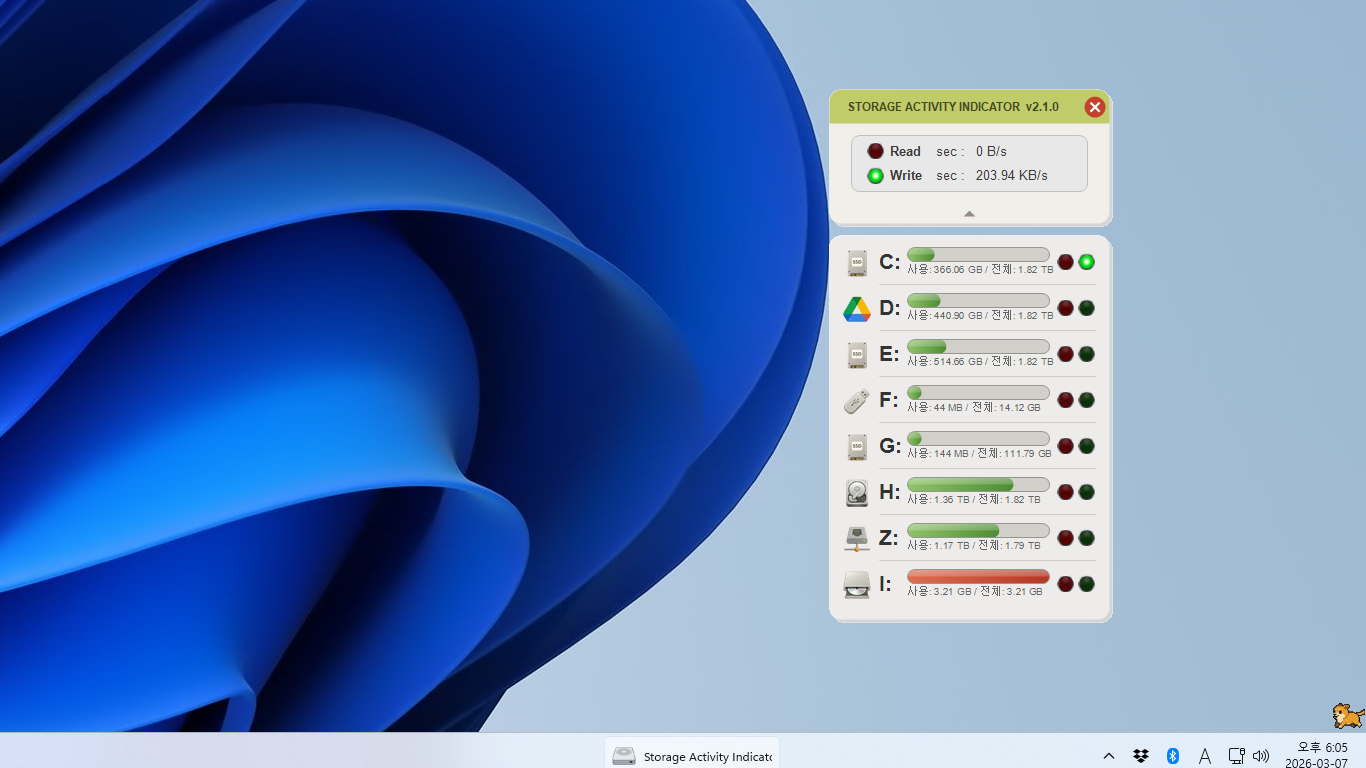
Visualizes Read/Write activities of all logical drives in real-time with intuitive LED-style indicators and capacity bars with green gradient that deepens as usage increases.
Remote Work Optimization
Easily check drive activity status in remote desktop environments where physical LEDs are not accessible.
Lightweight
Ultra-light program of only 2.5MB that uses virtually no system resources.
Easy Installation
Install with one click from Steam. Automatic updates through the Steam client keep you on the latest version.
System Tray
When you close the window, a cute cat icon in the system tray continues to show drive activity in real-time.
USB Drive Support
When USB or other external drives are connected, they are automatically added to monitoring. Removed when disconnected.
Character Animation
Fun animated characters appear above the taskbar and move in response to Read/Write activity. Choose from 7 characters: Horse, Cat, Marathon Runner, Dog, Penguin, Turtle, and Panda. Customize position and direction.
Multi-Language Support
Supports 10 languages: Korean, English, Japanese, Chinese, Russian, Polish, Italian, German, French, and Spanish.
Collapsible Drive Panel
Toggle the drive list visibility with a central chevron button. Keep your workspace clean by hiding the panel when not needed.
Settings Panel
Comprehensive settings for language, startup behavior, close action (minimize to tray or exit), character position and direction.
Screenshots
See Storage Activity Indicator in action
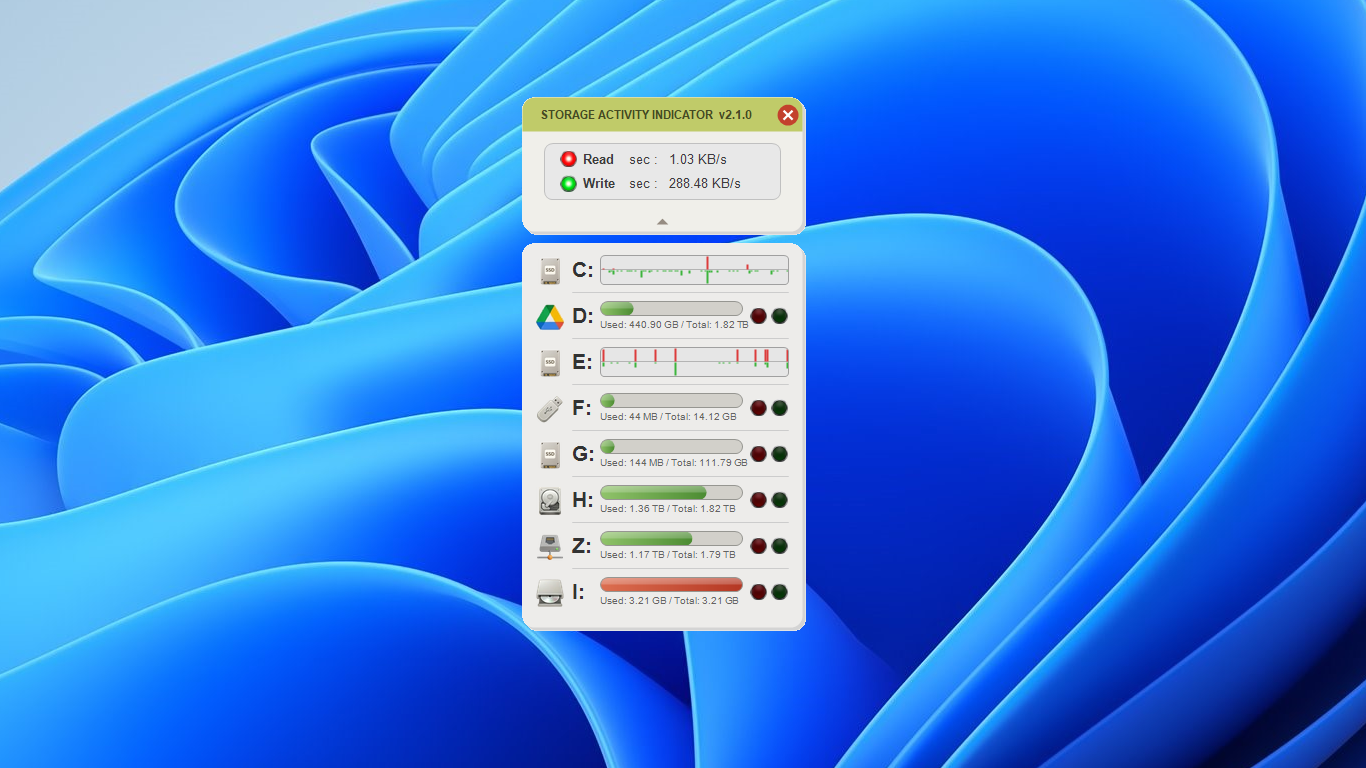
Main Interface
Visualizes Read/Write activities of all logical drives in real-time. Capacity bars with green gradient show usage at a glance. Collapsible drive panel keeps the UI clean.
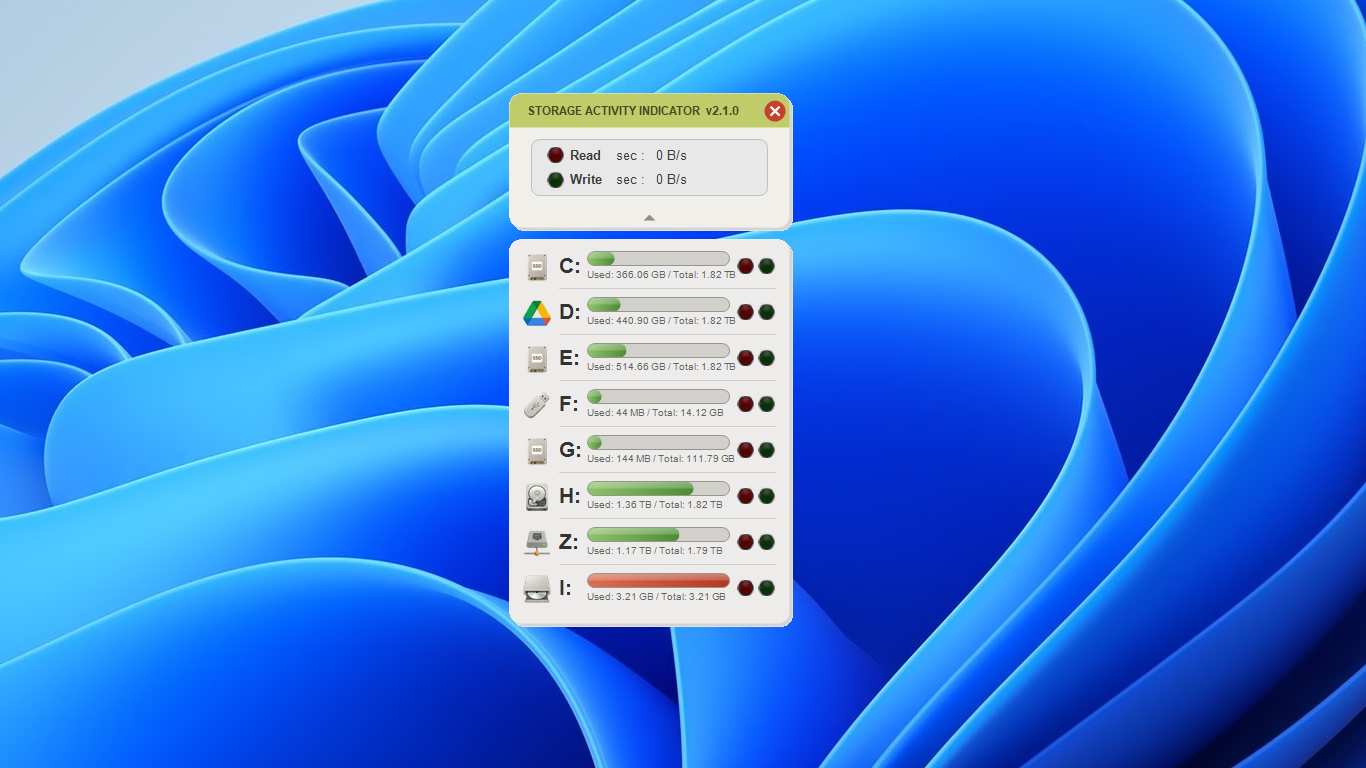
Drive Capacity View
Detailed capacity information for each drive with used/total display. Green gradient bars deepen as usage increases.
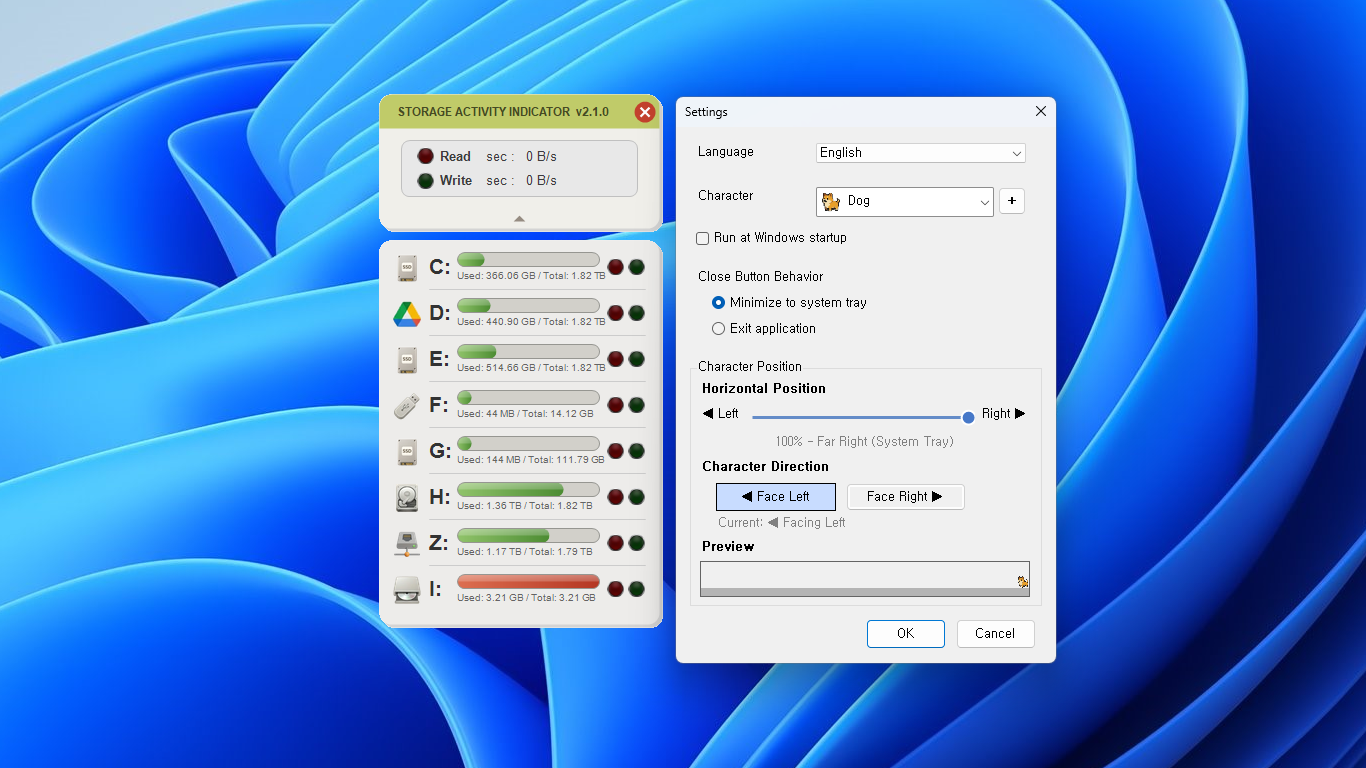
Settings
Configure language, startup behavior, close action, and character animation preferences all in one place.
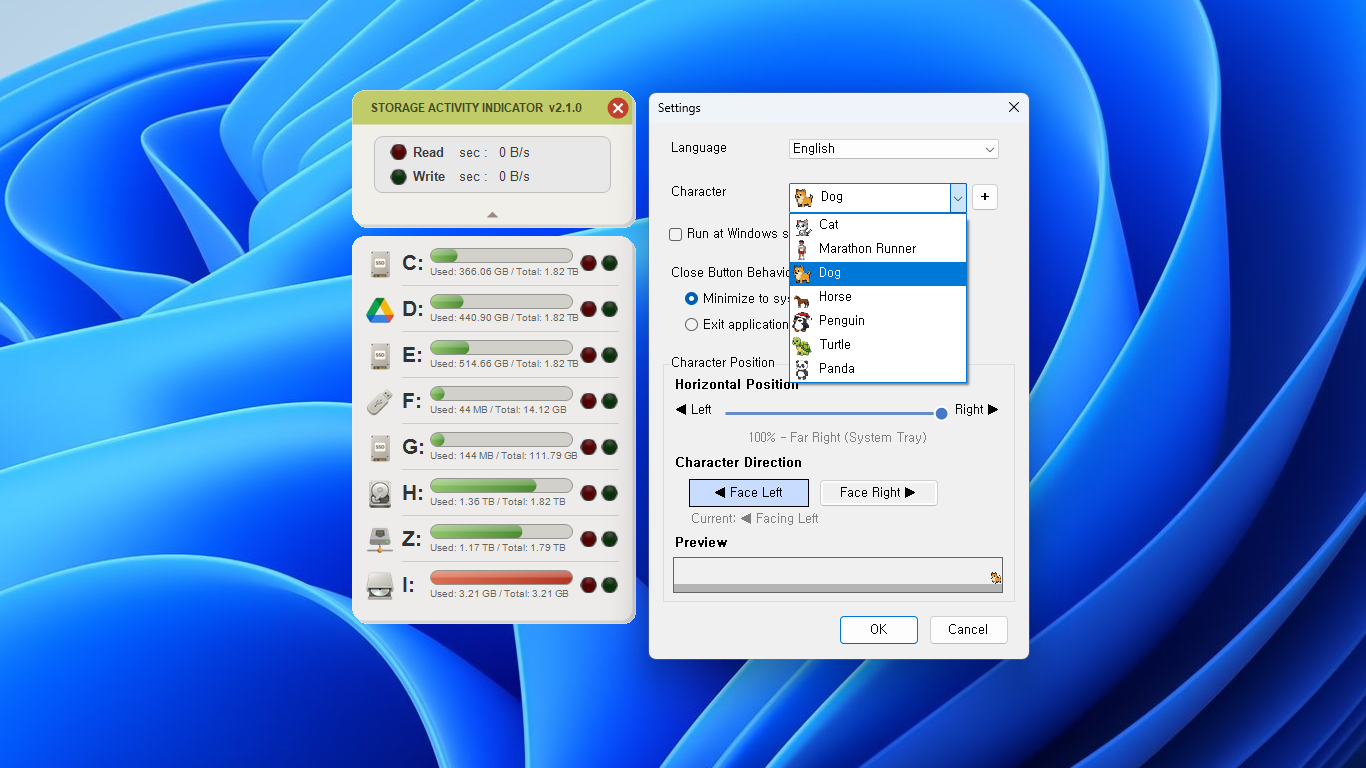
Character Selection
Choose from 7 fun animated characters that react to your drive activity above the taskbar. Customize position and direction.
Character in Action
Animated characters appear above the taskbar and move in response to Read/Write activity, making drive monitoring fun and intuitive.

Cat in System Tray
When minimized, a cute cat icon appears in the system tray, representing the current active drive status in real-time.
How to Use
Get started in just a few steps
Install from Steam
Download and install from Steam with one click. Requires .NET Framework 4.8 or higher.
Real-Time Monitoring
View Read/Write activities of all drives in real-time from the main window.
Background Operation
When you close the window, it moves to the system tray and continues monitoring in the background.
Remote Work Usage
Particularly useful when you cannot see physical LEDs in remote desktop environments.
System Requirements
- .NET Framework 4.8 or higher
- Windows 10 / 11 (x86 / x64 / Arm64)
- Minimum 4GB RAM
- Administrator privileges recommended
License
- One-time purchase (see Steam Store for price)
- Download and install from Steam
Storage Activity Indicator
Real-Time Storage Activity Monitoring for Windows — Steam Edition