









Open folders and image sets
Load a folder once and move through the full collection from a visual thumbnail rail.
MAC MANGA VIEWER · TRANSLATION
A focused macOS manga and image viewer with OCR-assisted translation, thumbnails, language tools, and a simple reading workflow.

READ WITHOUT LOSING CONTEXT
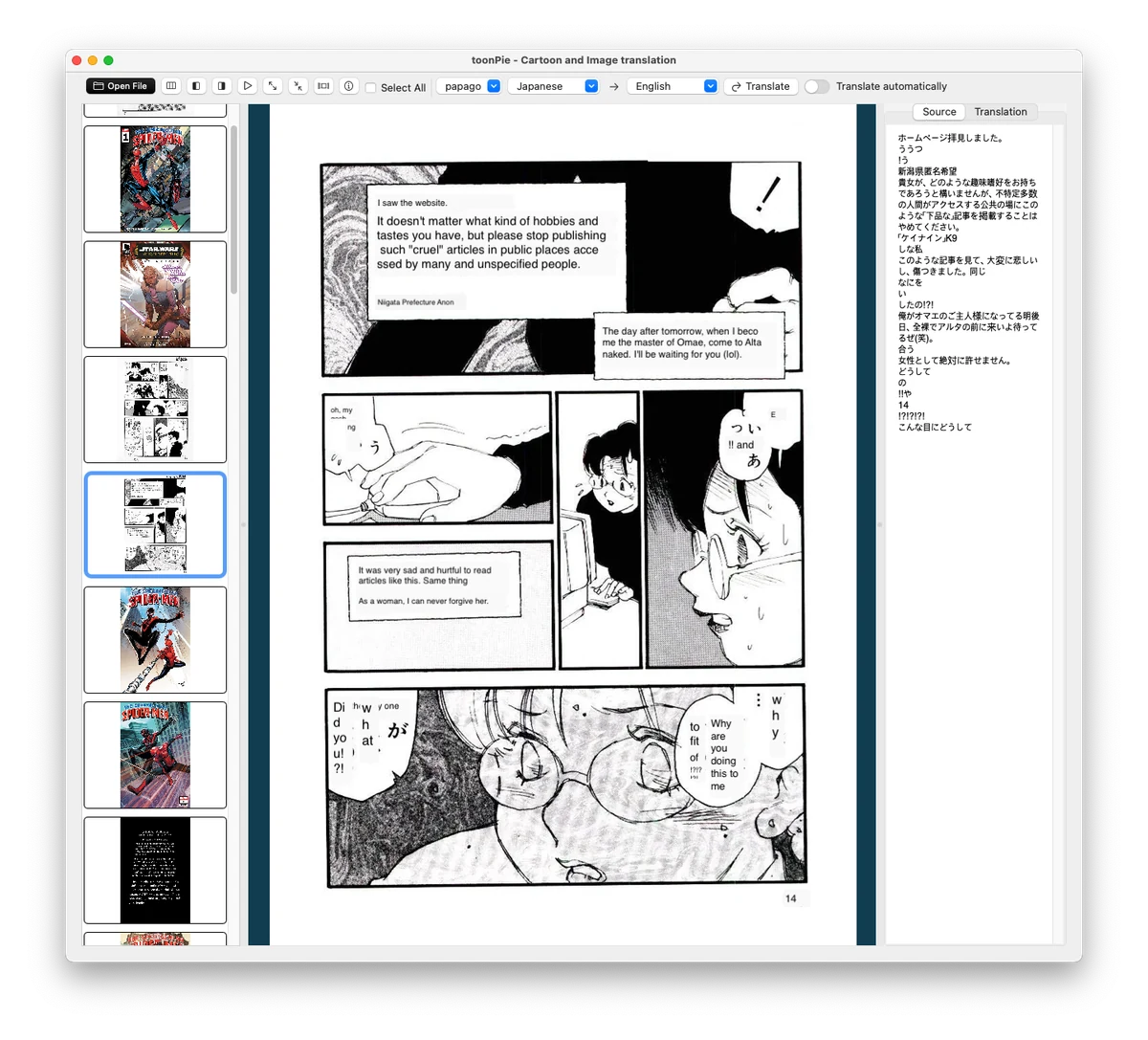
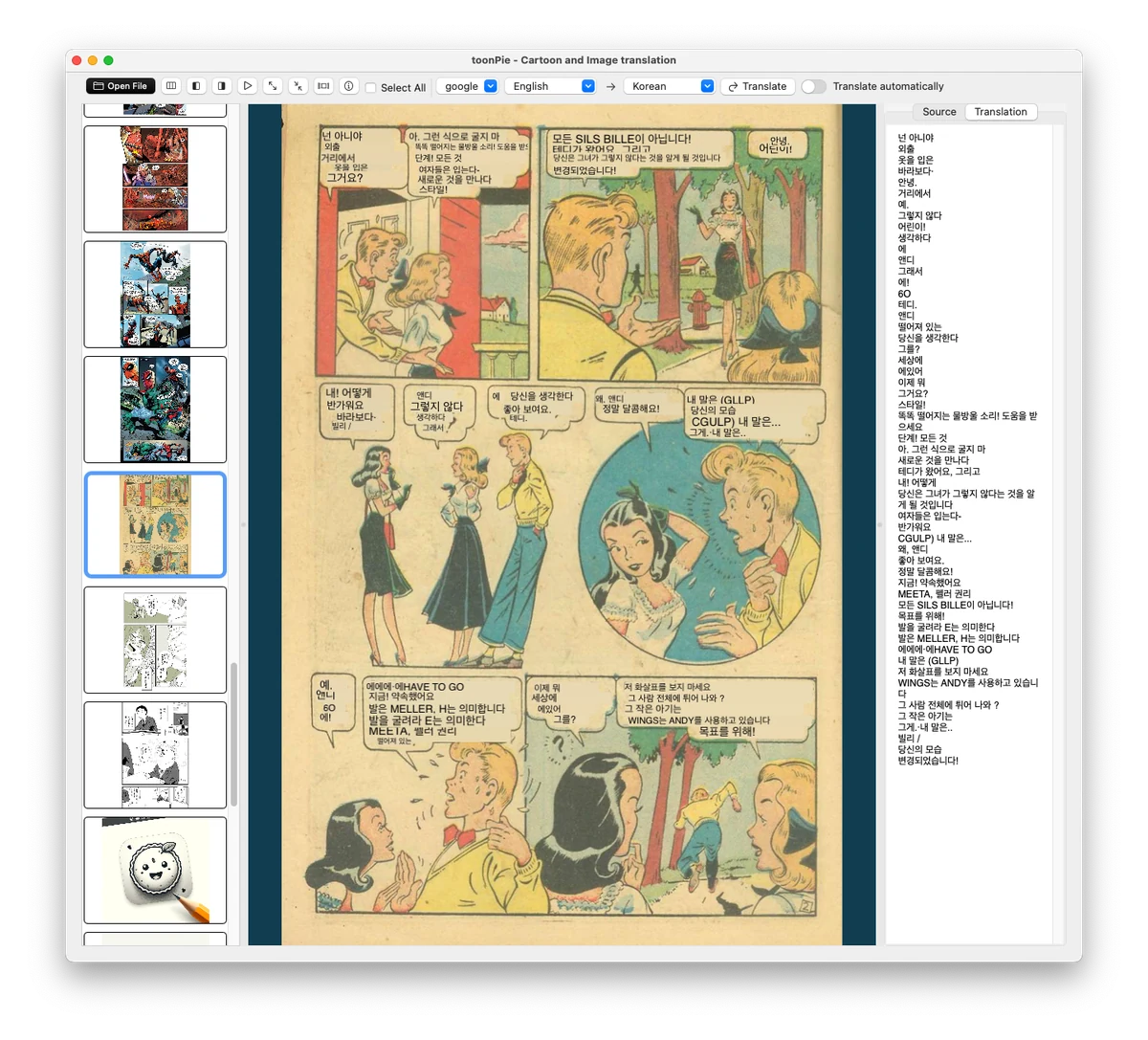
ToonPie keeps the original page, recognized text, and translated result together so the story remains easy to follow.
Load a folder once and move through the full collection from a visual thumbnail rail.
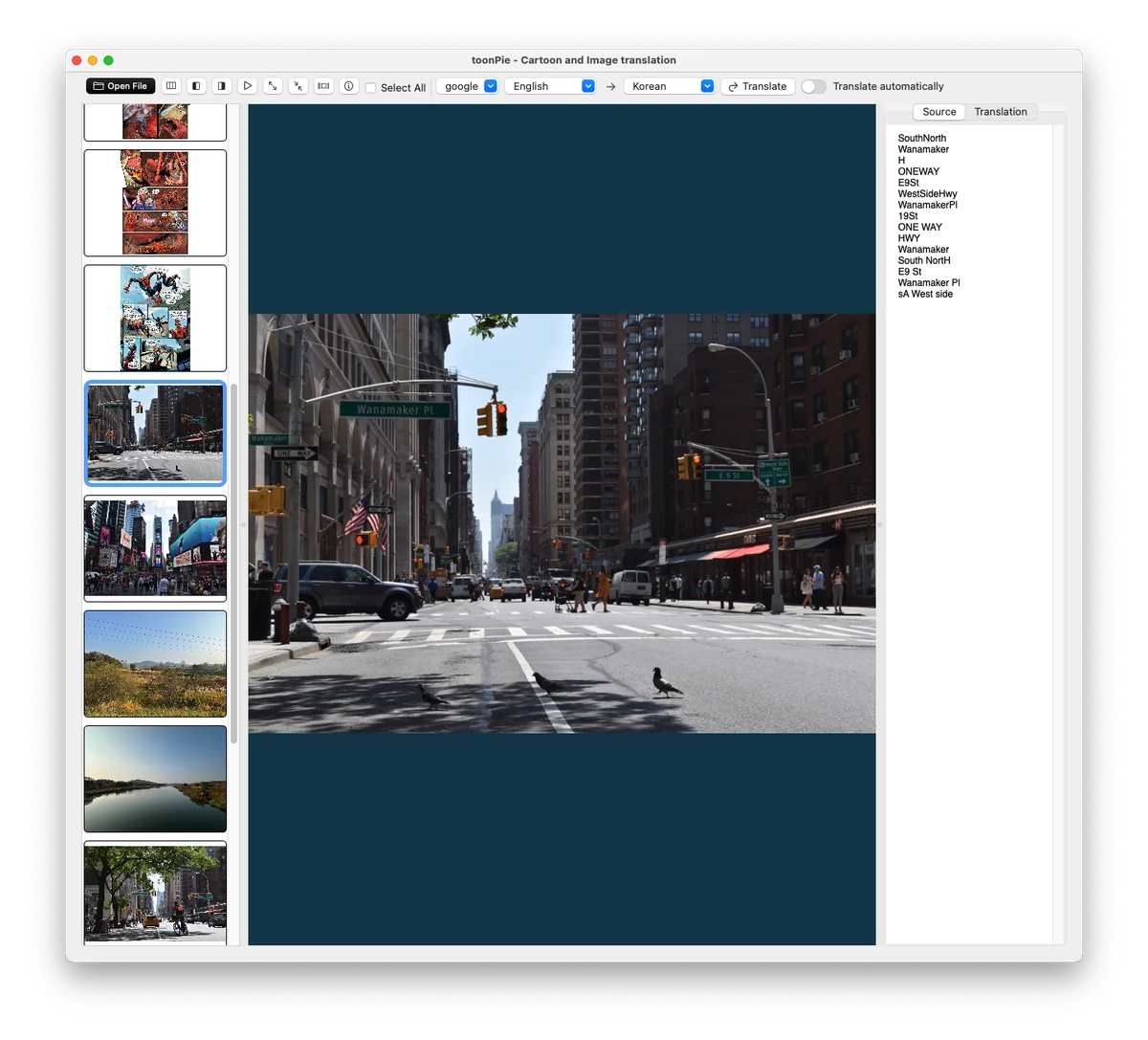
Extract text from manga panels, screenshots, and scanned pages to prepare it for translation.
Choose the source and target languages and translate the selected page without leaving the viewer.
Check the original text and translated result whenever a phrase needs more context.
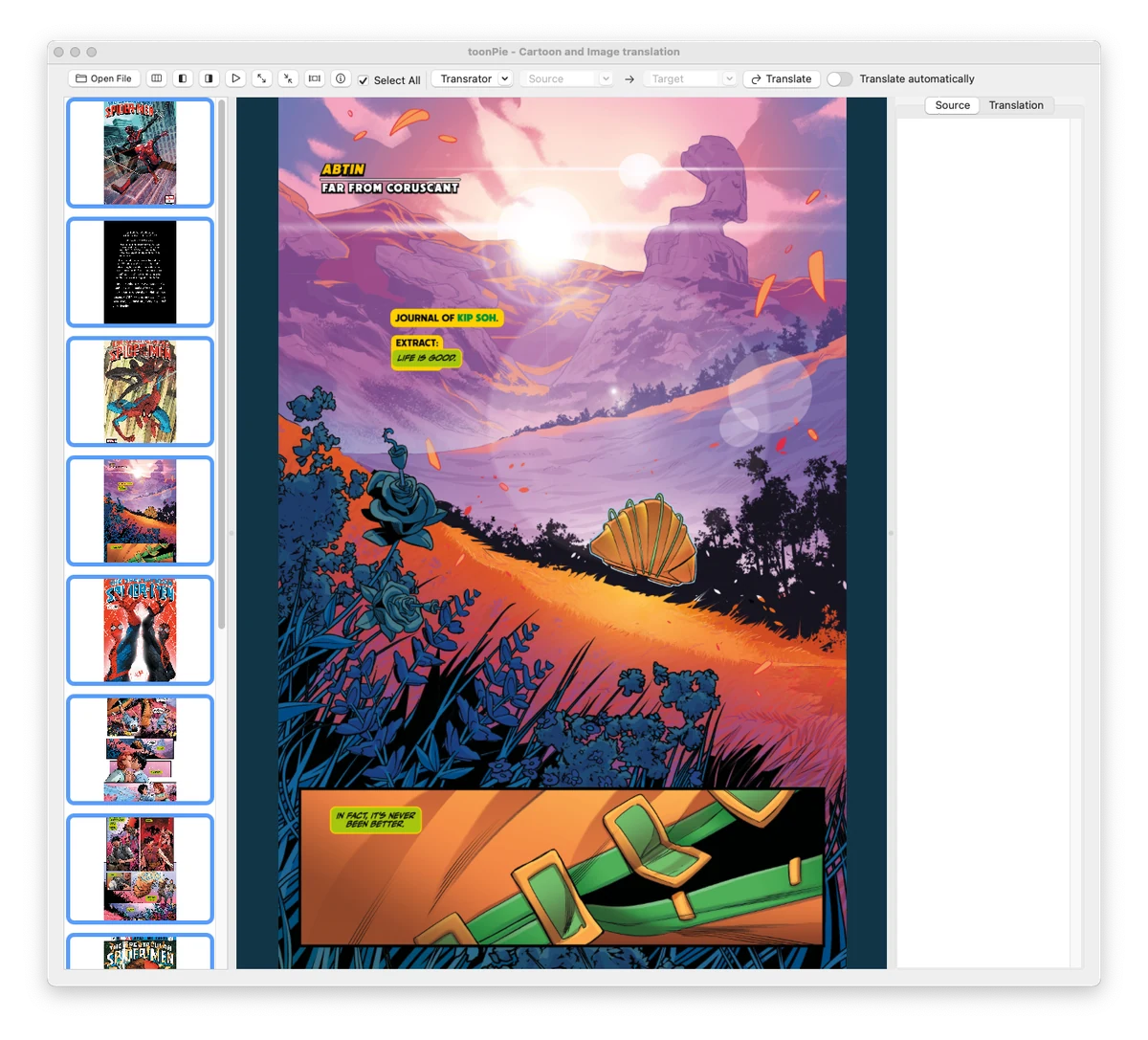
Navigate pages, zoom, fit, select, and inspect images from a compact macOS toolbar.
Review file and image information as part of the same reading and organization workflow.
HOW TO USE TOONPIE
Choose a manga or image folder. ToonPie builds a thumbnail list for quick page navigation.
Choose the translation engine, source language, and destination language from the toolbar.
Run recognition and translation, compare the result with the source, then continue to the next page.
PRODUCT TOUR
Original macOS app-window captures replace the App Store composites and unrelated Pro screens.
A focused viewer for Mac
Start with the essential reading and translation workflow on macOS.
With your permission, Google Analytics uses cookies to measure visits and improve this website. Google receives usage and device information. Analytics stays off until you allow it.
Your browser sends a Global Privacy Control signal. Optional analytics is turned off.
Cookies and privacy