









On-screen translation
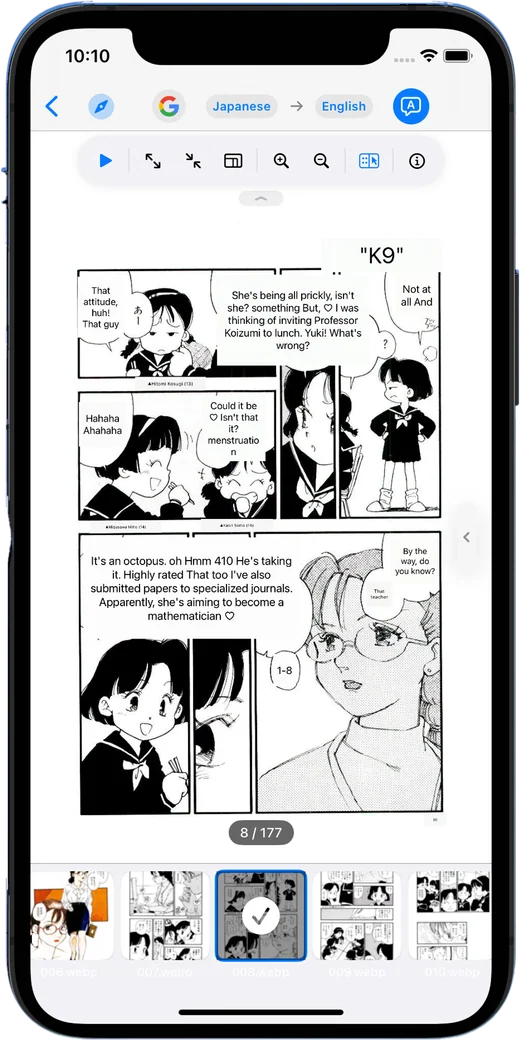
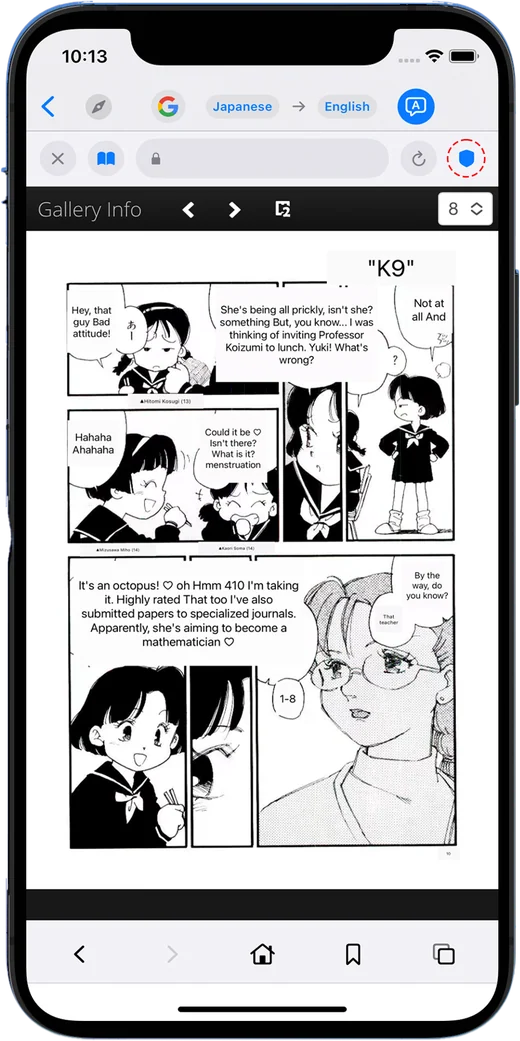
Recognize text in manga, photos, and documents, then view the translation directly over the image.
IMAGE TRANSLATION · VIEWER · STORAGE
Translate text on the screen, browse large image libraries, and connect local or cloud storage — all from one focused app.


ONE APP, LESS FRICTION
From reading foreign-language manga to organizing thousands of images, ToonPie keeps the essential tools close.
Recognize text in manga, photos, and documents, then view the translation directly over the image.
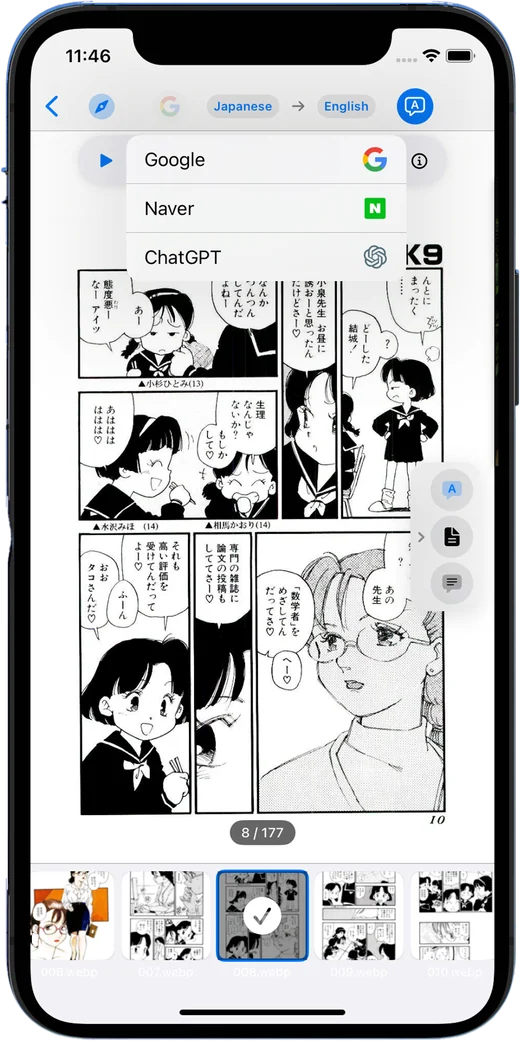
Switch between Google, Papago, and ChatGPT to match the language and tone you need.
Move through large image sets quickly with thumbnails, zoom controls, and focused reading tools.
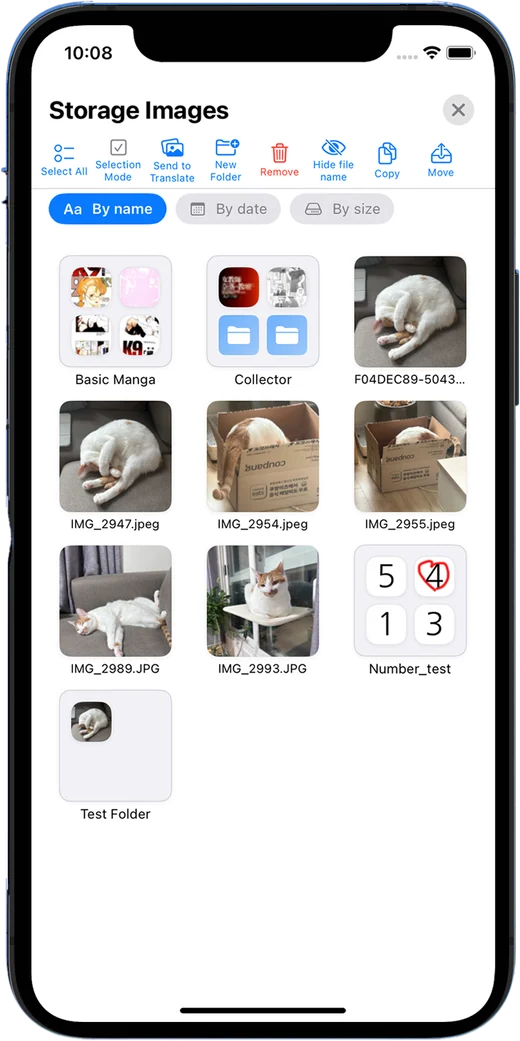
Sort images and manga into folders, then find what you want at a glance.
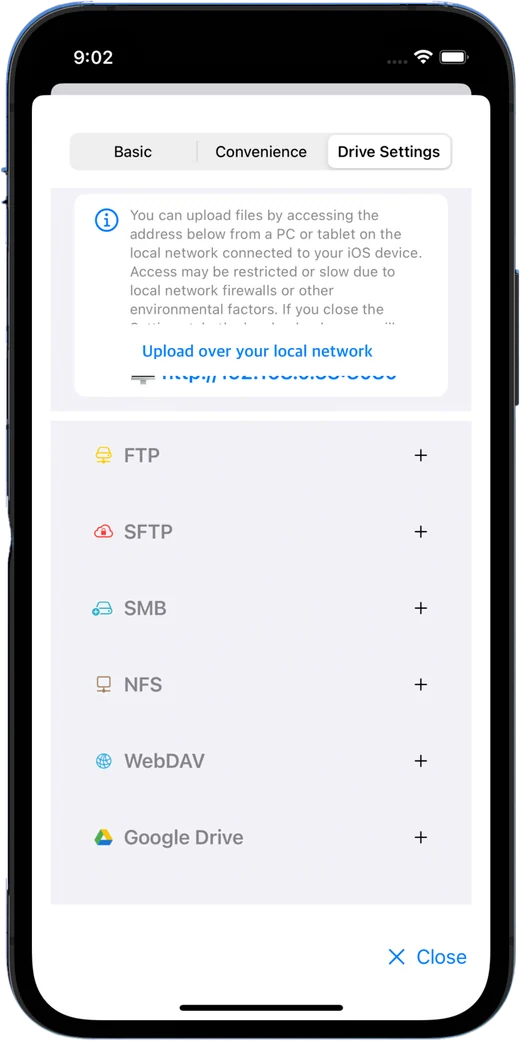
Open local folders, photo libraries, cloud drives, FTP, SFTP, SMB, NAS, and WebDAV.
Inspect metadata, copy or move files, convert formats, and upload over your local network.
DESIGNED AROUND YOUR CONTENT
Keep the page visible while ToonPie recognizes and translates the text. Compare the original and translation whenever you need.
Use thumbnails, folders, sorting, copy, and move tools to keep a growing collection easy to navigate.
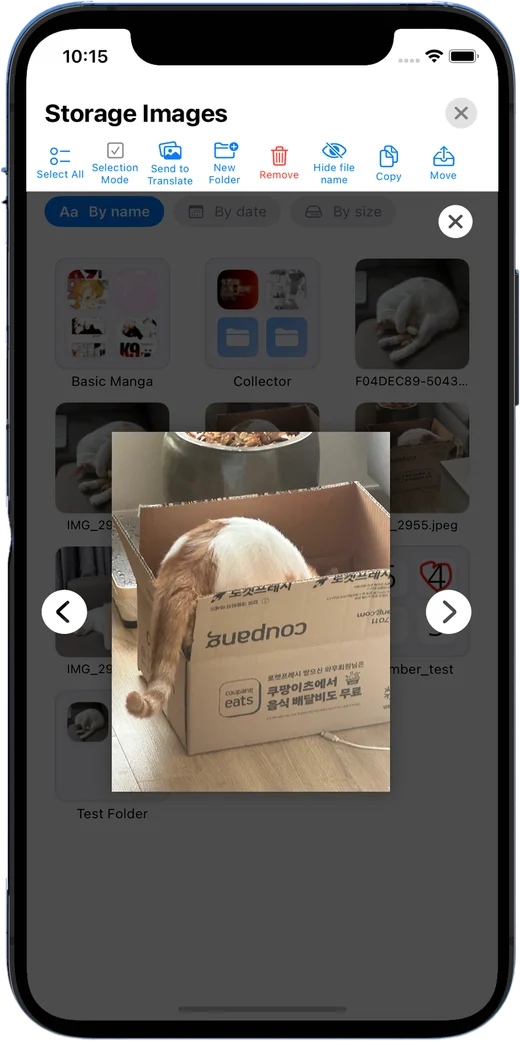
Connect local, cloud, and remote drives so your images stay accessible without repeated transfers.
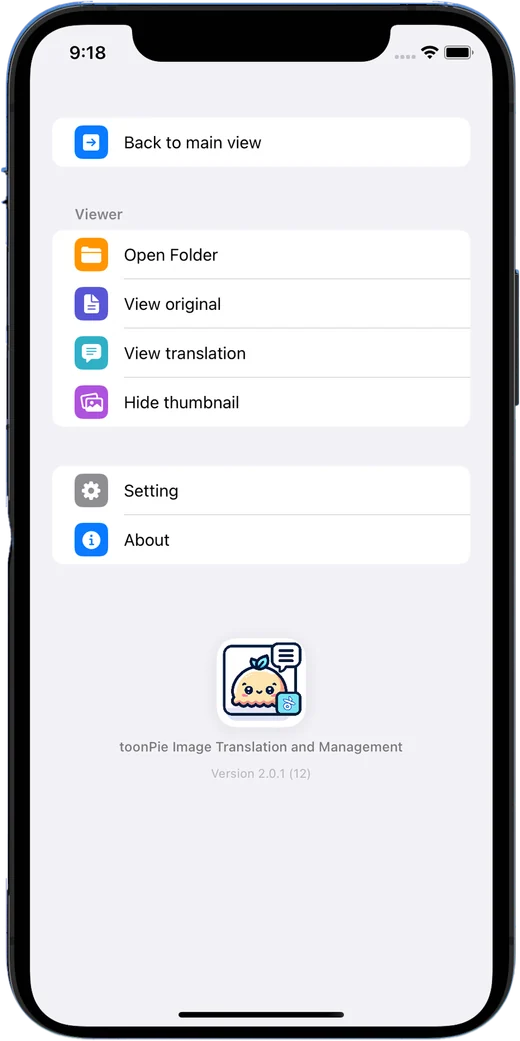
PRODUCT TOUR
A curated tour of the core experience, prepared specifically for the website.
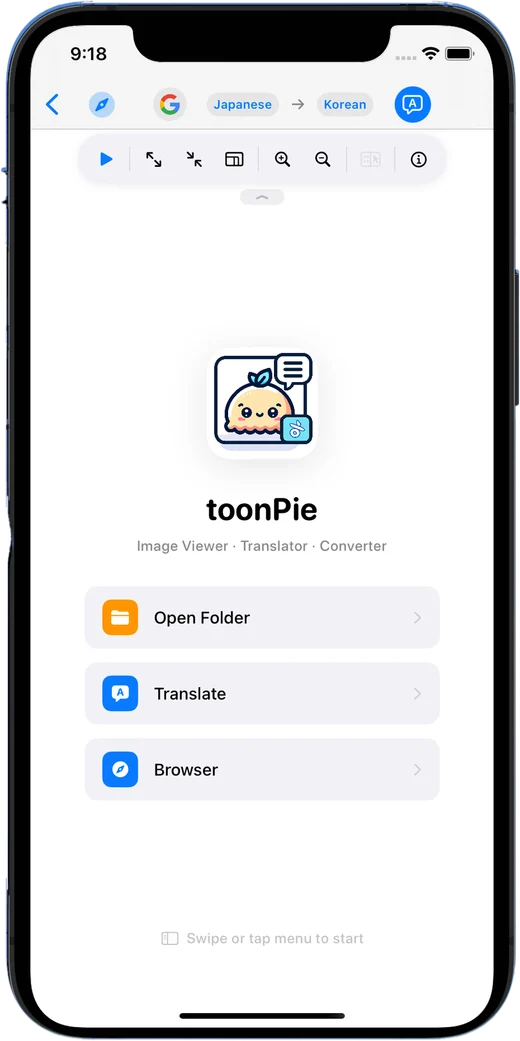
Available where you need it
Download ToonPie free and add optional features only when you need them.
With your permission, Google Analytics uses cookies to measure visits and improve this website. Google receives usage and device information. Analytics stays off until you allow it.
Your browser sends a Global Privacy Control signal. Optional analytics is turned off.
Cookies and privacy