






Dual OCR engines
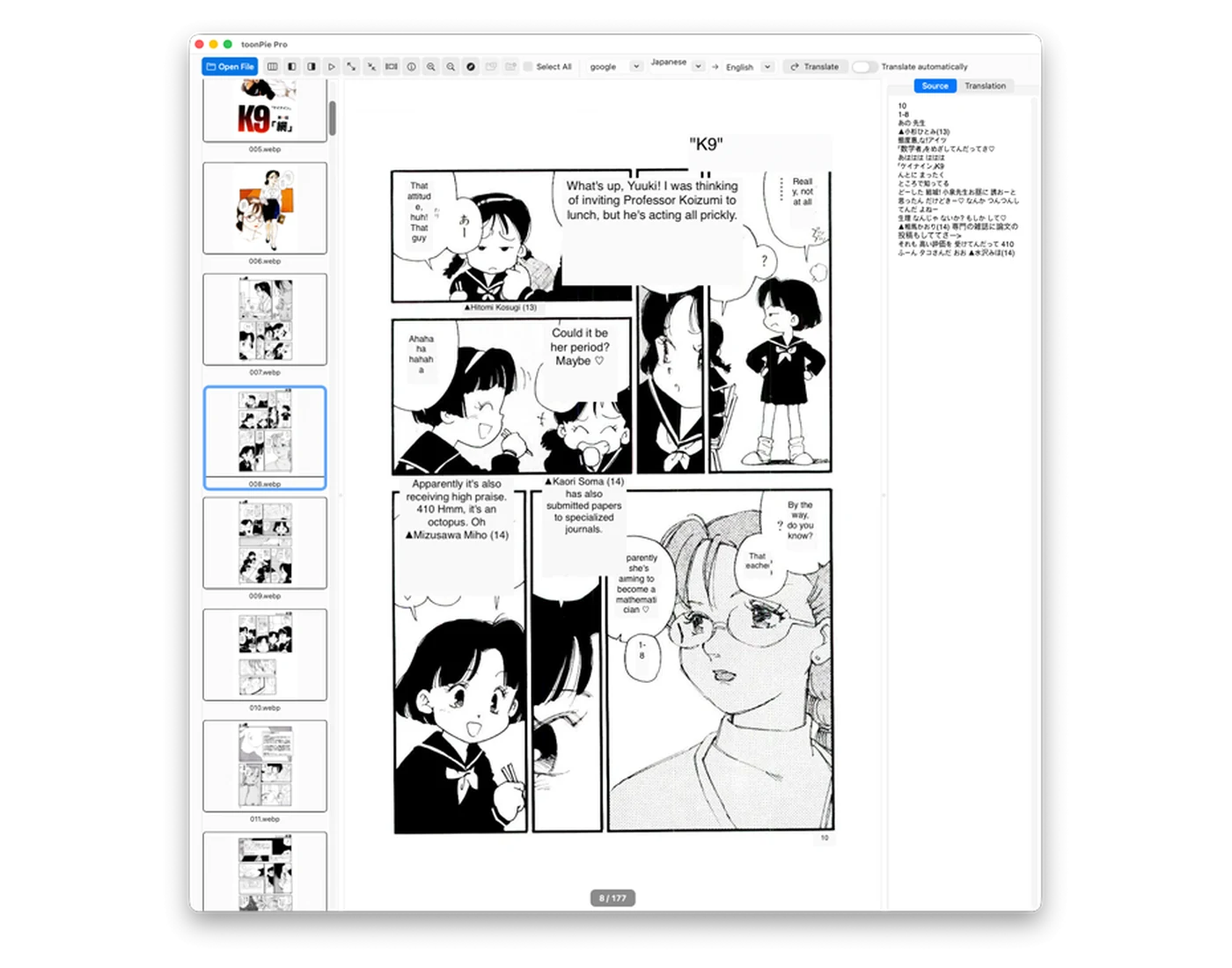
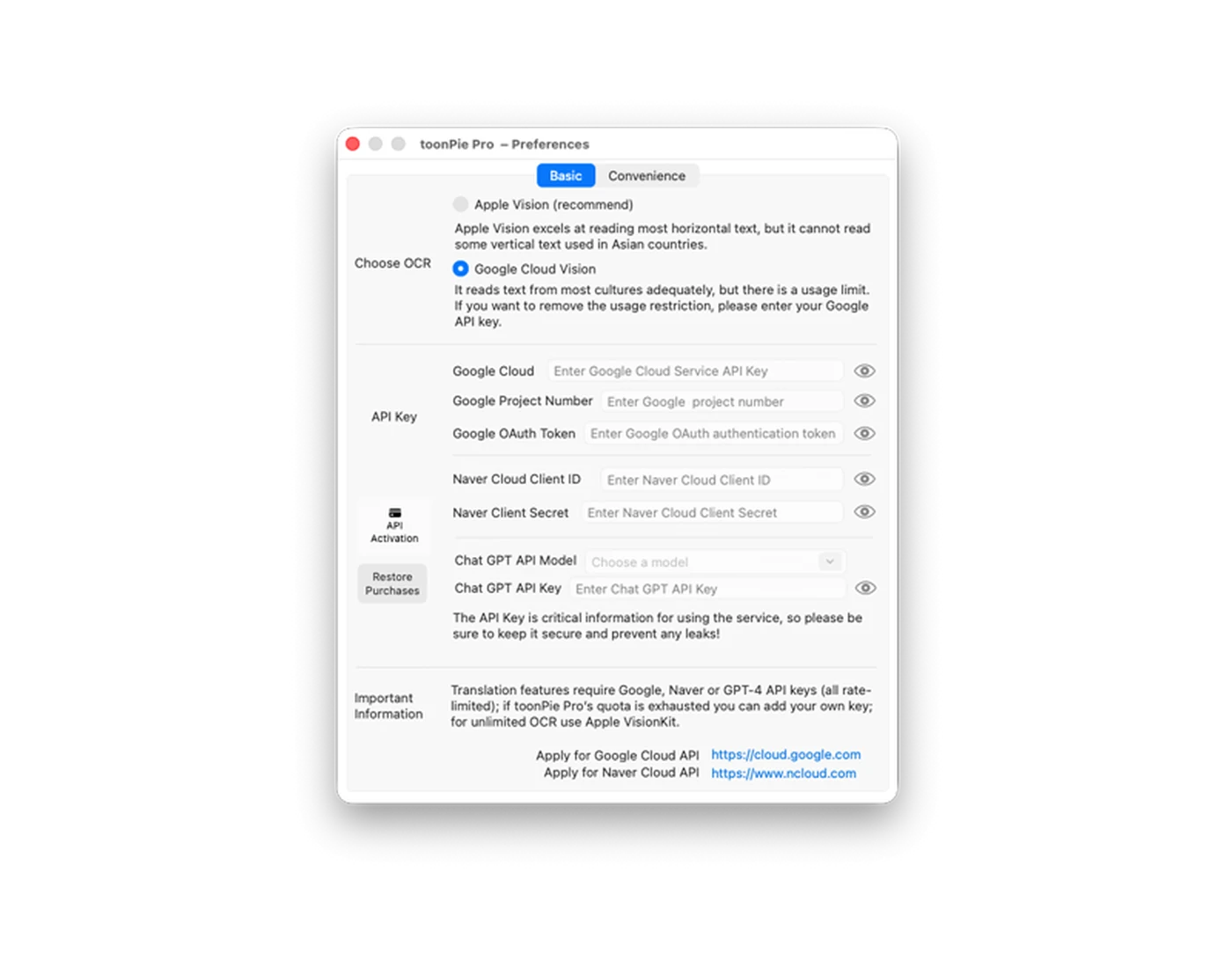
Use Apple Vision and Google Cloud Vision to recognize text in manga, scans, screenshots, and complex layouts.
MAC IMAGE TRANSLATION · OCR · VIEWER
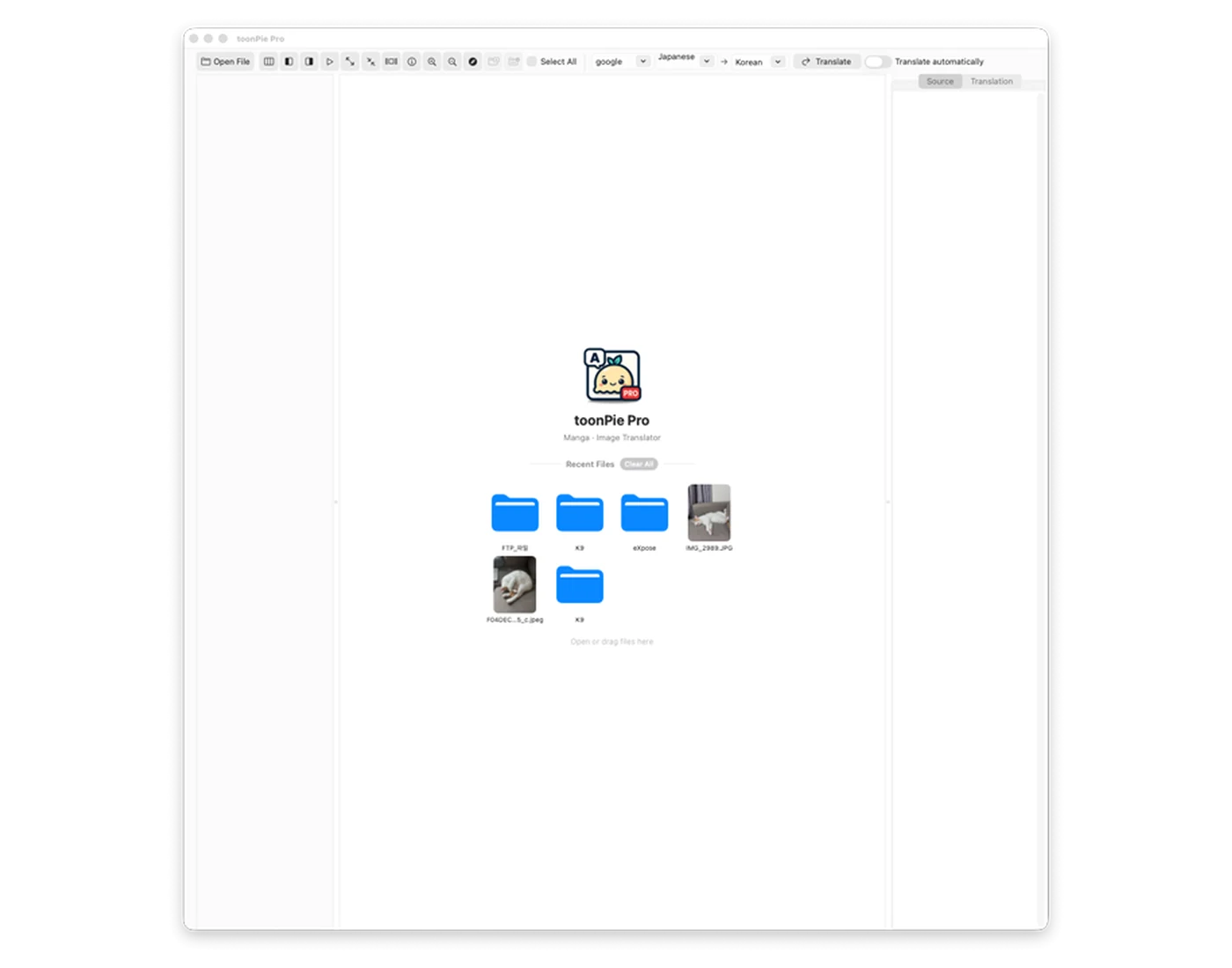
Open local files or web images, recognize complex text, compare translations, and manage image collections without leaving one focused macOS workspace.

PRO TOOLS, CLEAR WORKFLOW
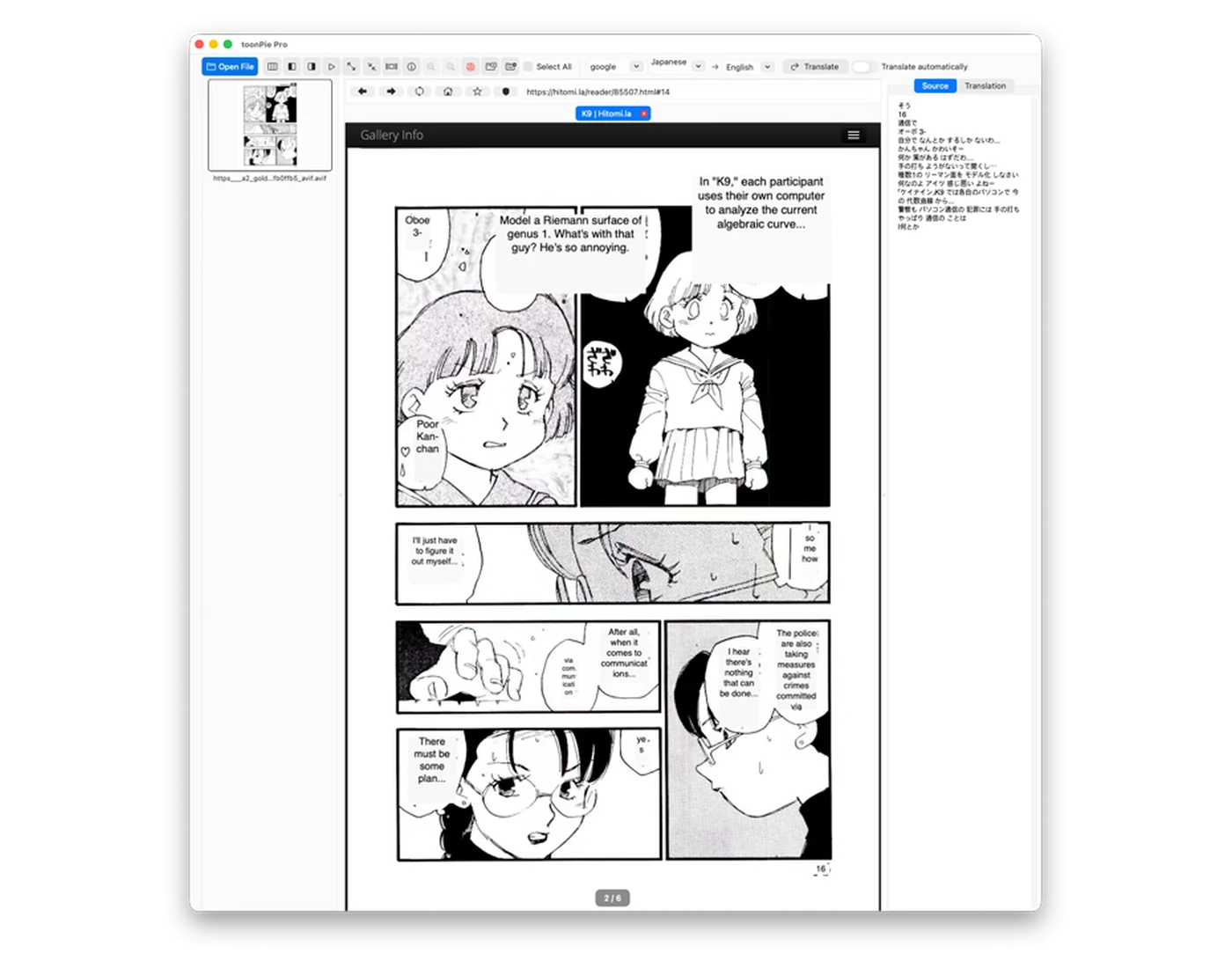
ToonPie Pro brings recognition, translation, viewing, and image utilities together for long reading and research sessions.
Use Apple Vision and Google Cloud Vision to recognize text in manga, scans, screenshots, and complex layouts.
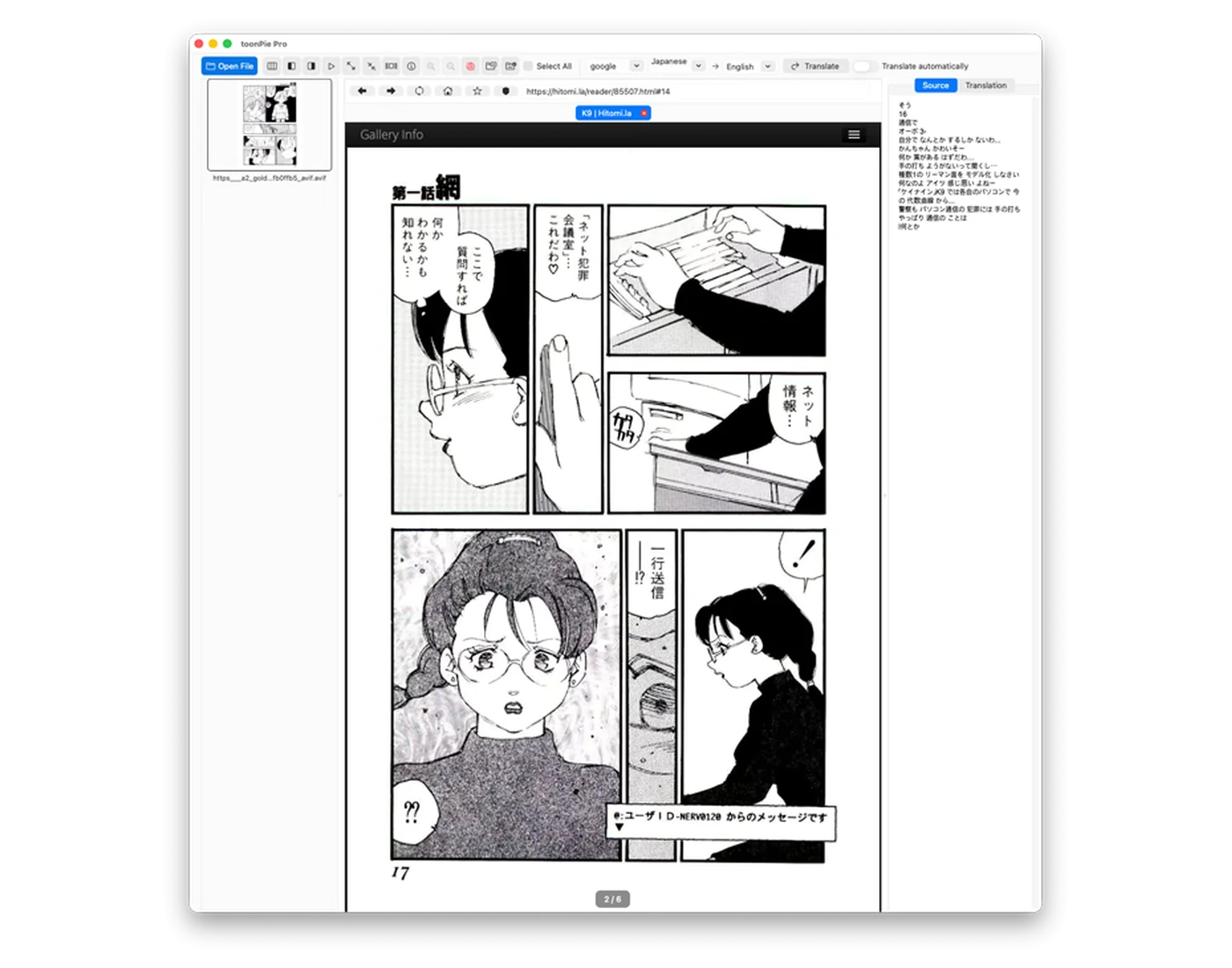
Open a web page inside the app and translate the images you are already reading without repeated downloads.
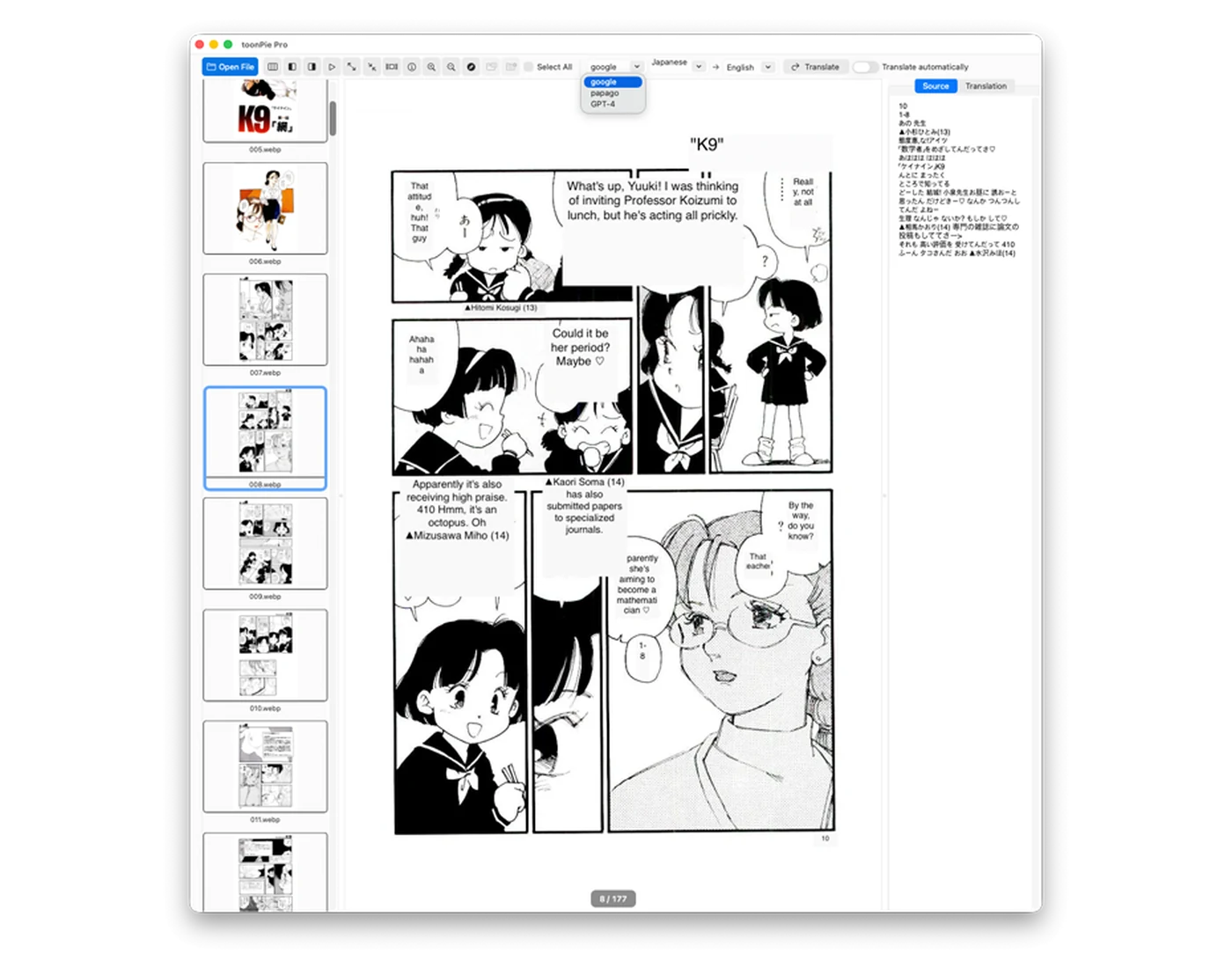
Choose Google Translate, Papago, or ChatGPT according to the language, context, and tone you need.
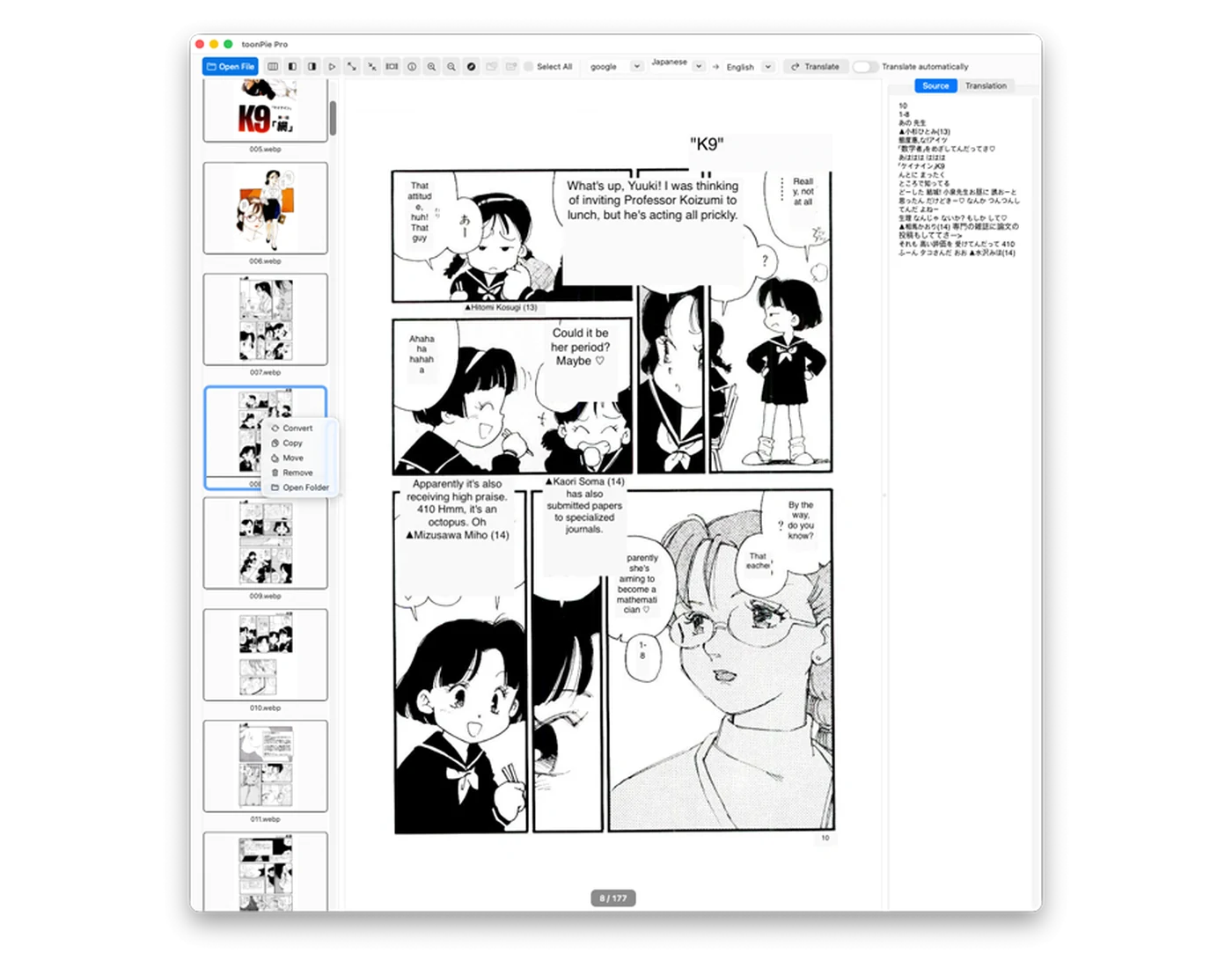
Browse folders with thumbnails, zoom precisely, and keep the source text and translation close at hand.
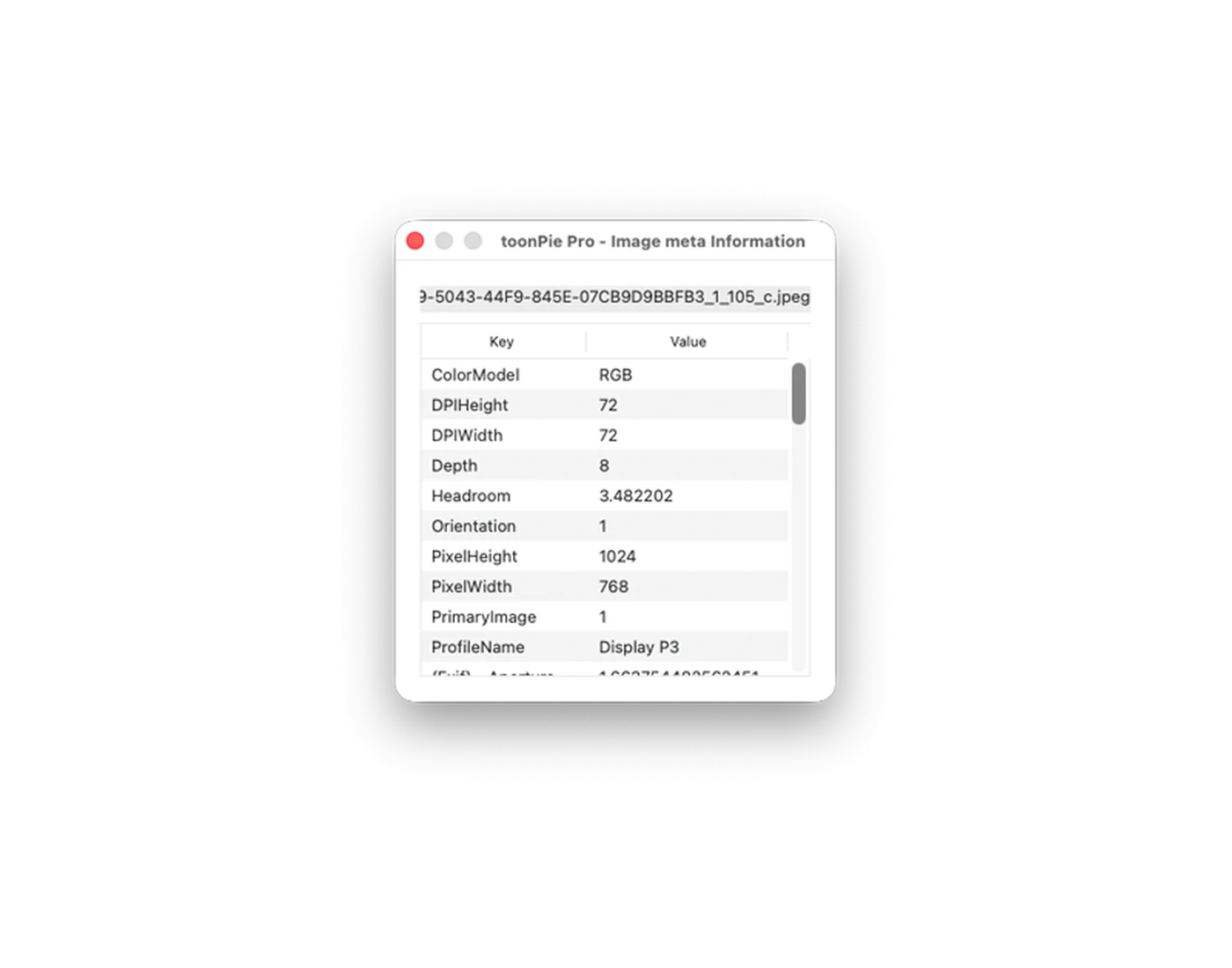
Inspect dimensions, color information, file properties, and other image metadata without opening another utility.
Convert JPG, PNG, GIF, TIFF, WebP, BMP, and other common formats directly from the same workspace.
HOW TO USE TOONPIE PRO
Open an image folder or use the built-in web workflow. Thumbnails keep large collections easy to navigate.
Select the source and target languages, choose the recognition and translation engines, then run translation.
Review the translated result beside the original, inspect metadata, or convert the image when your work is done.
PRODUCT TOUR
Original app screens extracted from the editable source files, without App Store copy or promotional backgrounds.
Ready for your Mac
Download free and add optional features only when your workflow needs them.
With your permission, Google Analytics uses cookies to measure visits and improve this website. Google receives usage and device information. Analytics stays off until you allow it.
Your browser sends a Global Privacy Control signal. Optional analytics is turned off.
Cookies and privacy